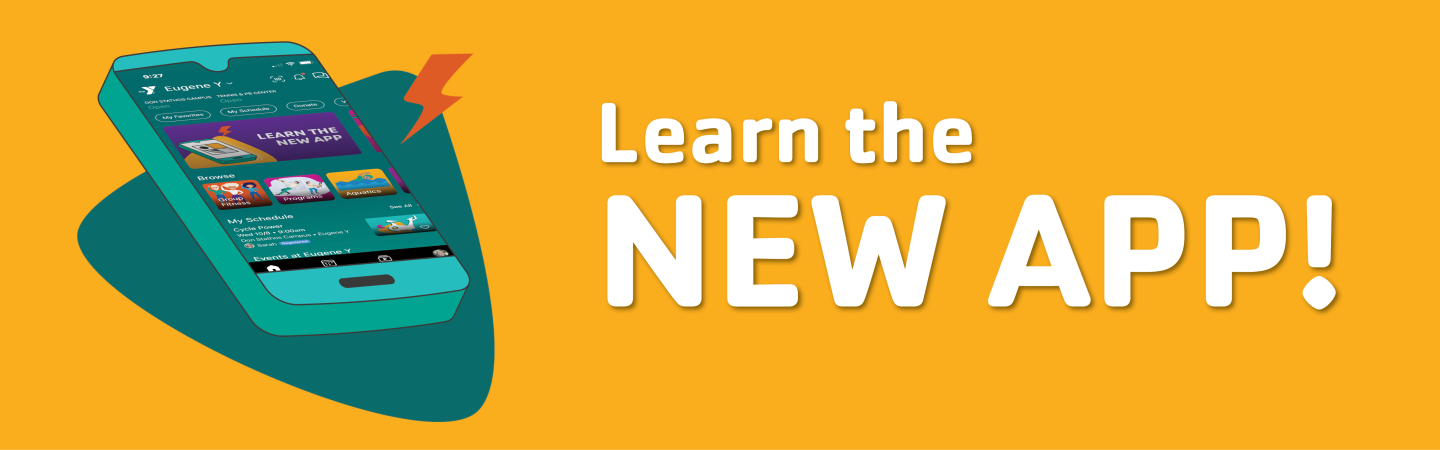
Creating and Editing Schedules VideoGet to Know the New Y App
Welcome to your one-stop spot for all things new app training! Here you’ll find quick videos and step-by-step SOPs to help you navigate the app, manage schedules, and make the most of its new features.
- Watch the training videos below to see how it’s done.
- Check out the written SOPs if you prefer to follow along or need a refresher later.
We’re adding new resources regularly—so check back often as more videos and guides become available!
How to Login to Desktop:
- Click on this link (I would bookmark it): https://my.familyworks.app/login
- Login using the phone number on your Daxko member account
- Enter the code that is texted to you
- You're in!
Topic |
Schedulers |
Instructors |
Welcome and H&W Desks |
| Logging into the App and Navigating Schedules | Video SOP | Video SOP | |
| Creating and Editing Schedules Video | Video SOP | ||
| Managing Attendees & Messaging Registrants | Video SOP | Video SOP | |
| Reviewing Your Classes in the New App |
Desktop View:Video (Desktop View)SOP (Desktop View) Mobile View: |
||
| Managing Class Check-Ins and Waitlists | Video SOP | ||
| Request and Claim a Substitutes |
Desktop View:Video (Desktop View) SOP (Desktop View) Mobile View: |
||
| Connect Your YMCA Email Address to the App |
Connect Your YMCA Email Address to the App: |
